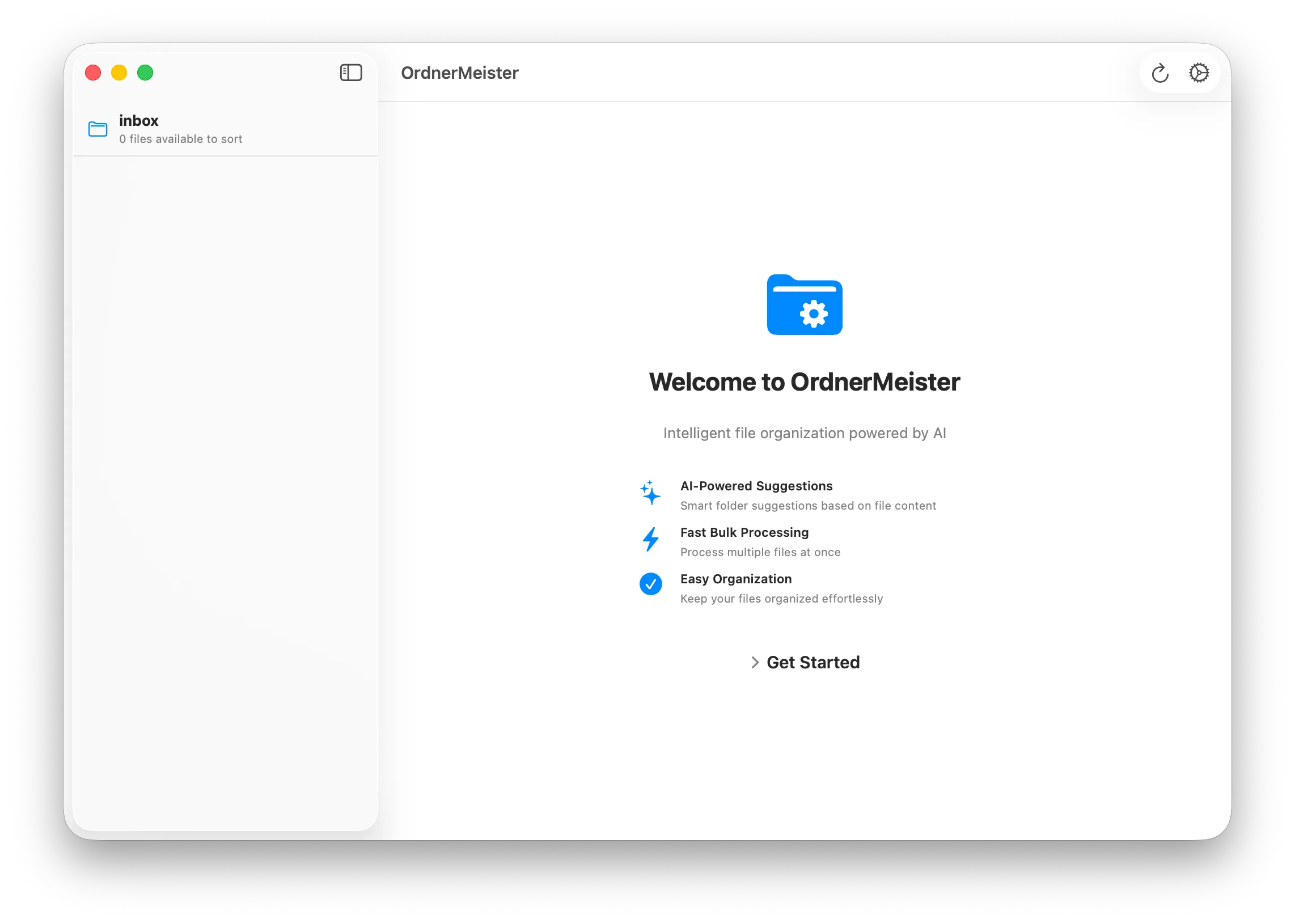
Every few weeks I’d open my Downloads folder and find dozens of unsorted PDFs: bank statements, invoices, university documents, receipts. I always filed them into the same folder structure, but doing it manually was tedious. So I built OrdnerMeister, a macOS app that learns how you organise your documents and does it for you.
How it works
The idea is simple: if you’ve been sorting PDFs into folders for years, that history is a training set. OrdnerMeister looks at your existing folder hierarchy, extracts text from the documents already filed there, and trains a Naive Bayes classifier on the result. When new PDFs land in your inbox folder, it predicts where each one belongs.
The pipeline has four stages:
- Learn: scan your destination folders and build a model from the documents already there
- Extract: pull text from incoming PDFs, using Apple’s Vision framework for OCR when the PDF contains scanned images rather than selectable text
- Classify: run the extracted text through the Naive Bayes classifier to predict the best folder
- Review: present the suggestions in a review interface so you can approve or correct before any files are moved
That last step matters. I didn’t want the app silently shuffling files around. You should always have the final say.
The stack

OrdnerMeister is a native macOS app built with SwiftUI, targeting macOS 14 Sonoma and up. The classifier comes from the Bayes library, and OCR is handled entirely by Apple’s Vision framework. No external dependencies for text extraction.
The architecture follows a clean separation into presentation, domain, and data layers. Swift’s async/await handles the potentially long-running OCR and classification work without blocking the UI.
Why Naive Bayes
Naive Bayes is a good fit here because it works well with small training sets, is fast to train and query, and handles text classification reliably. You don’t need thousands of documents to get useful predictions. Even a few dozen per folder is enough for the classifier to pick up on patterns like recurring company names, account numbers, or document types.
It’s not perfect. Documents that could reasonably go in multiple folders sometimes get misclassified, which is exactly why the review step exists. But for the common case (the electricity bill goes in the same folder as the last twelve electricity bills), it works well.